
EasyConverty - Fast & Private File Converter

How to Compress Images to Under 50KB or 100KB for Visa & Job Portals

How to Compress Images to Under 50KB or 100KB for Visa & Job Portals

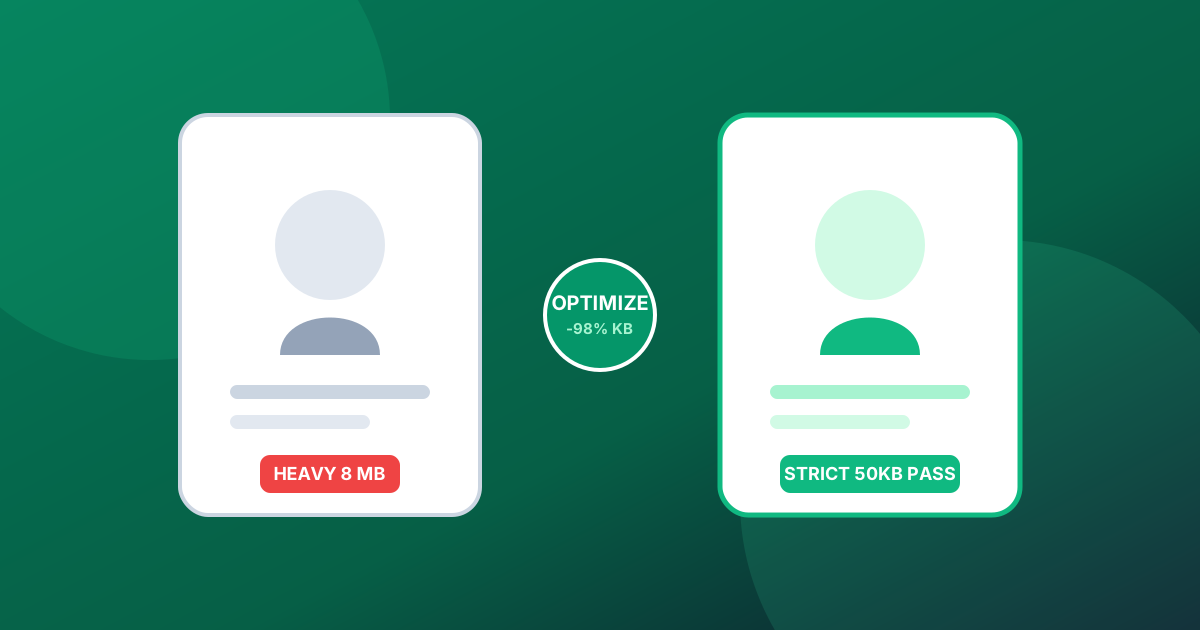
Struggling with strict file size limits on government portals, university admissions, or visa applications? Here is how to achieve exact target sizes without blurry artifacts.

Key Highlights & Best Practices:

  • Portals enforce strict 20KB, 50KB, and 100KB limits to prevent server storage bloat.
  • Bicubic canvas downsampling removes redundant metadata while retaining crisp facial features.
  • Pre-configured presets eliminate guesswork by calculating optimum JPEG quantization automatically.

Strict File Ceilings on Official Portals

Almost every government portal, visa application system, and university admissions form enforces strict file size ceilings — often rejecting any photo over 50KB or 100KB. Simply saving a camera photo from modern 48MP phone cameras produces 8MB to 15MB files.

The Flaws of Standard Image Compressors

Standard image editors make reaching an exact target file size frustrating, requiring repeated trial and error with export quality sliders that either exceed the limit or produce heavily pixelated results.

Precise Iterative Binary Search Compression

EasyConverty provides dedicated target size compression engines. Simply select your desired size (20KB, 50KB, or 100KB), and our iterative client-side binary search algorithm targets the exact threshold while preserving maximum facial clarity.

Image Guides
EC
EasyConverty Editorial Team
5 min read
Nov 2, 2026
100% Client-Side Privacy

Ready to convert your files?

Process files locally in your browser memory without cloud servers, uploads, or limits.